Percentage Calculation

Description
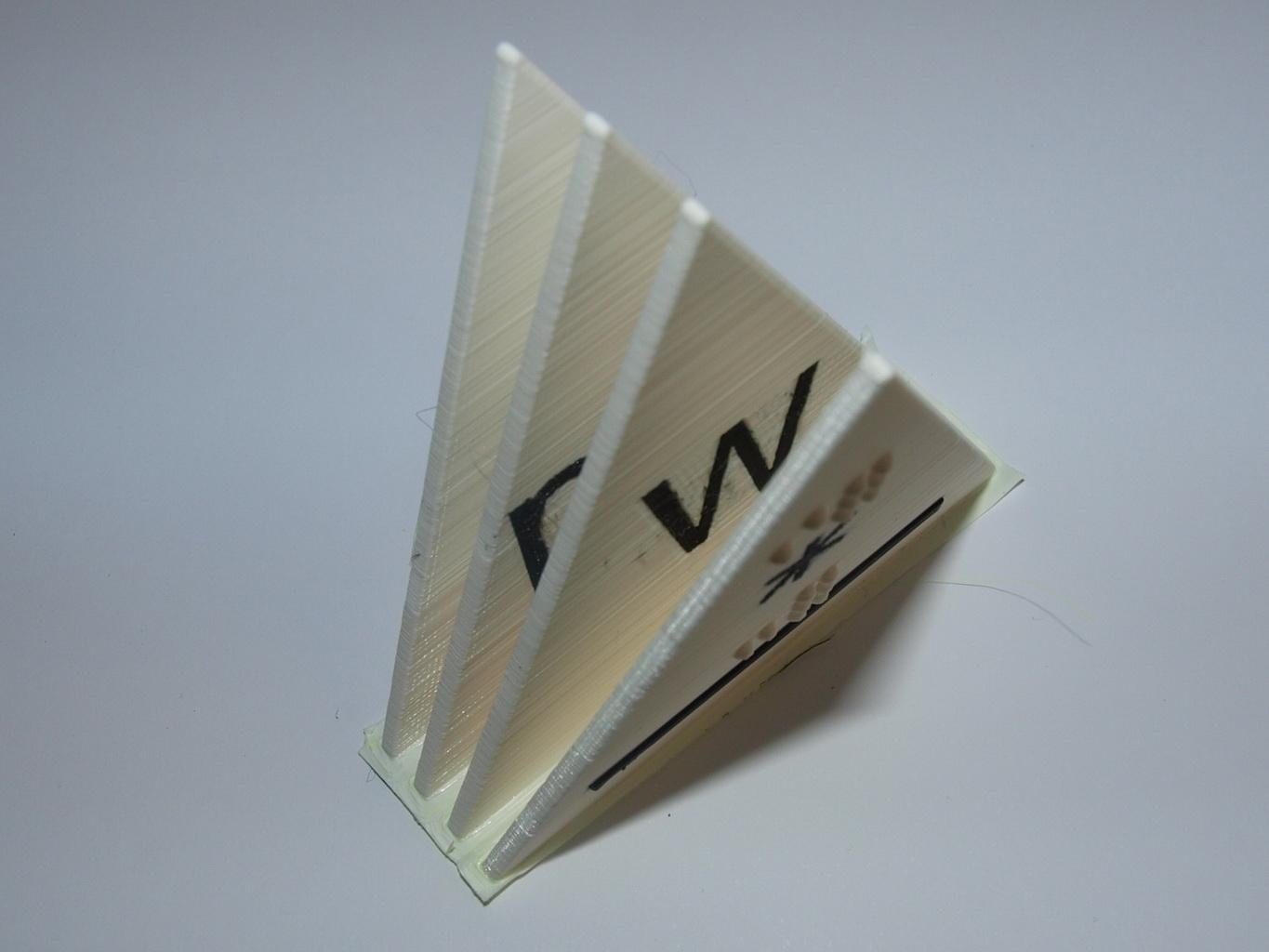
The triangle helps to build the formulas for the percentage Calculation. There are letters and Braille-signs. The triangle in the middle shows, if you have to multiply or divide your value. This model was designed and tested as part of the 3D4VIP project.
Gallery
Printing instructions and tips
The optimal print settings are highly dependent on the slicer used. We usually use Ultimaker Cura. Six settings in Cura have proven to be favourable, sometimes in combination: (1) Adaptive Layer Height ensures accelerated printing in the areas of the object where details are not important. (2) Make Printable ensures that support is usually not needed because overhangs are “bevelled”. (3) Use Brim to ensure that the print adheres well to the print bed. Brim can be easily removed later. (4) Initial bottom layer a maximum of two or three layers so that the object has a flat surface and warping does not occur. (5) Maximum two or three wall layers to save material. (6) Infill maximum 15%, but six to seven top layers. If printing is done with support structures, other settings are usually required.
Downloads
Bundle of all files listed above.