Interlocking trays for tactile schedule/Roosterbakken en verduidelijking van tijd
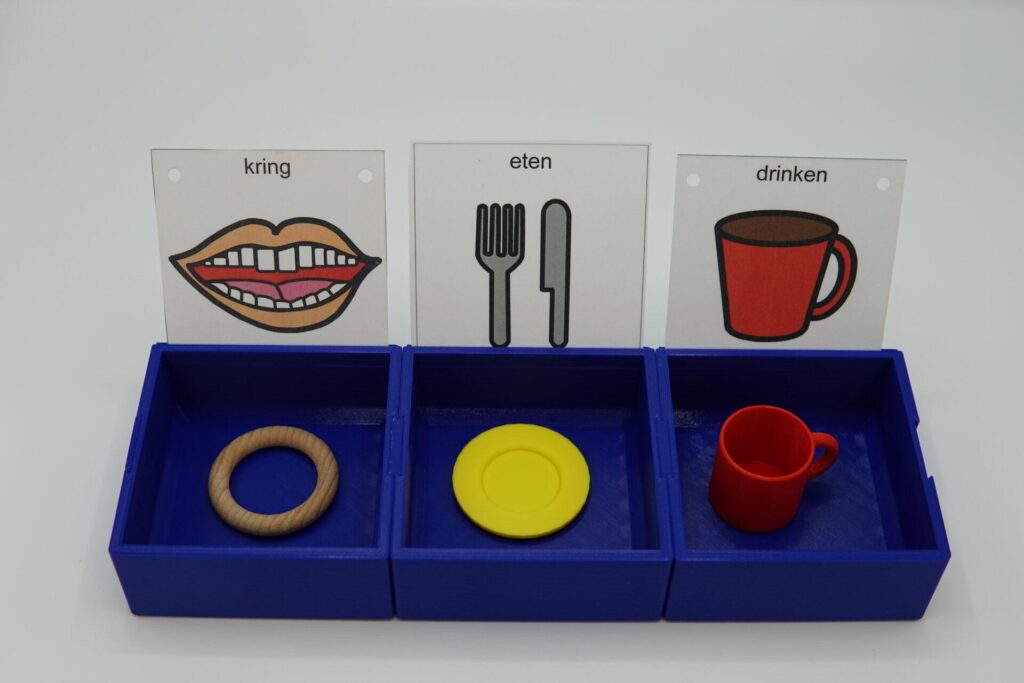
Description
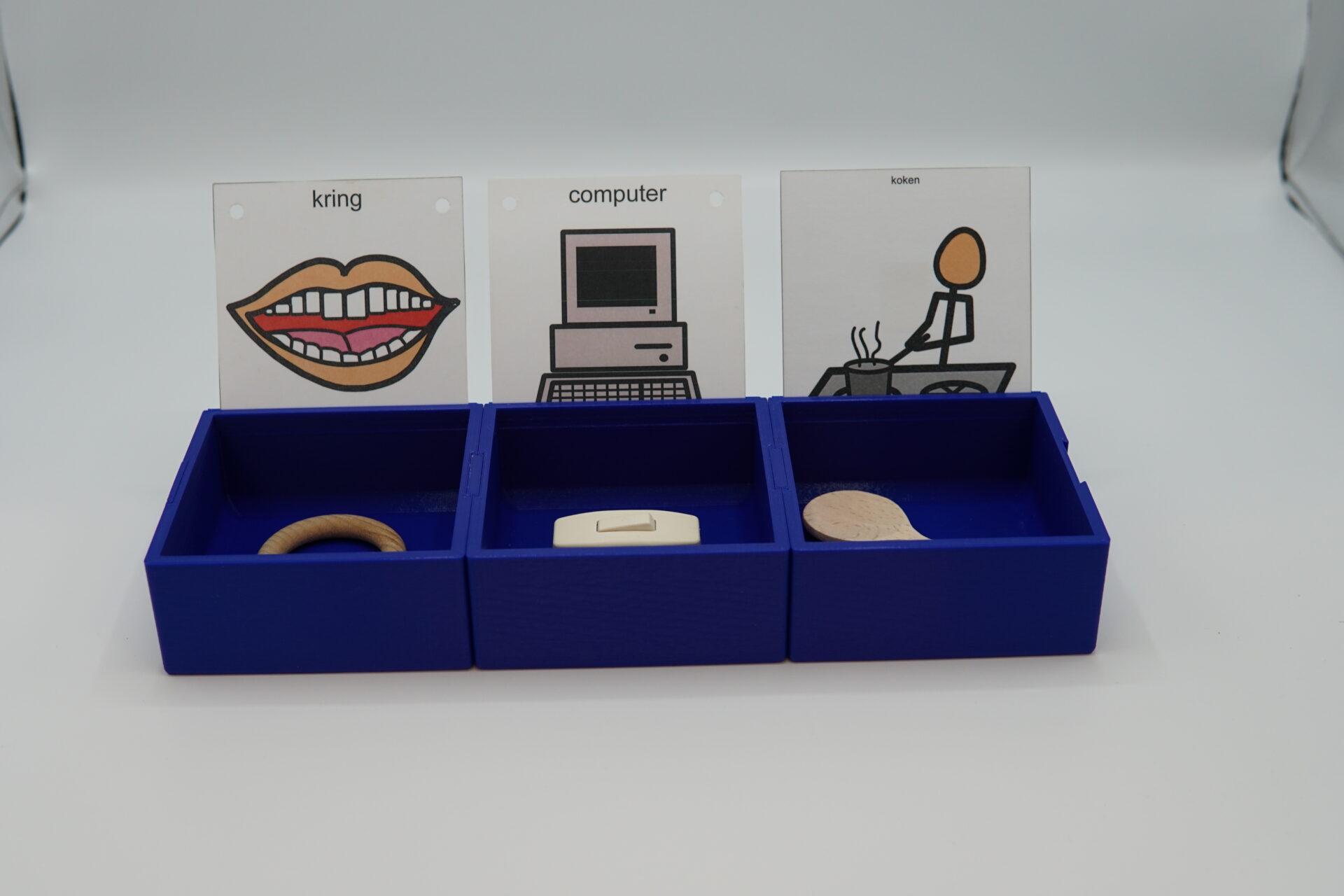
Summary In special education for MDVI, these interlocking trays can help blind/low vision students with their day schedule in a tactile way. Instructions for use: -Place the objects of reference in the trays to create a day schedule for the student. -When the task is done, the student can drop the object it in the dropbox. -If the student gets distracted by the objects in the trays, you can use the trays with lids to close the trays. -The horizontal trays have a sleeve for placing icon cards.
Gallery
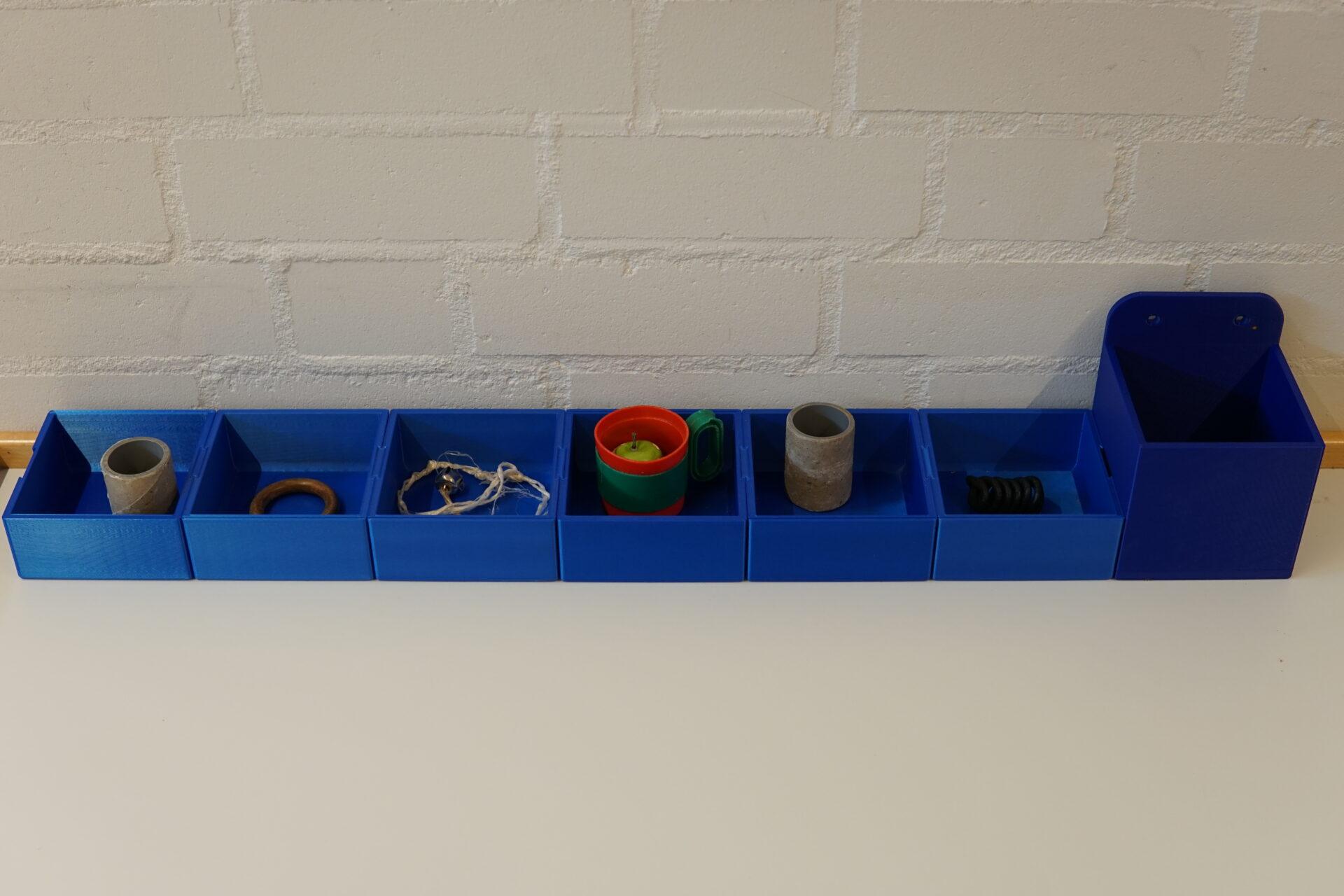
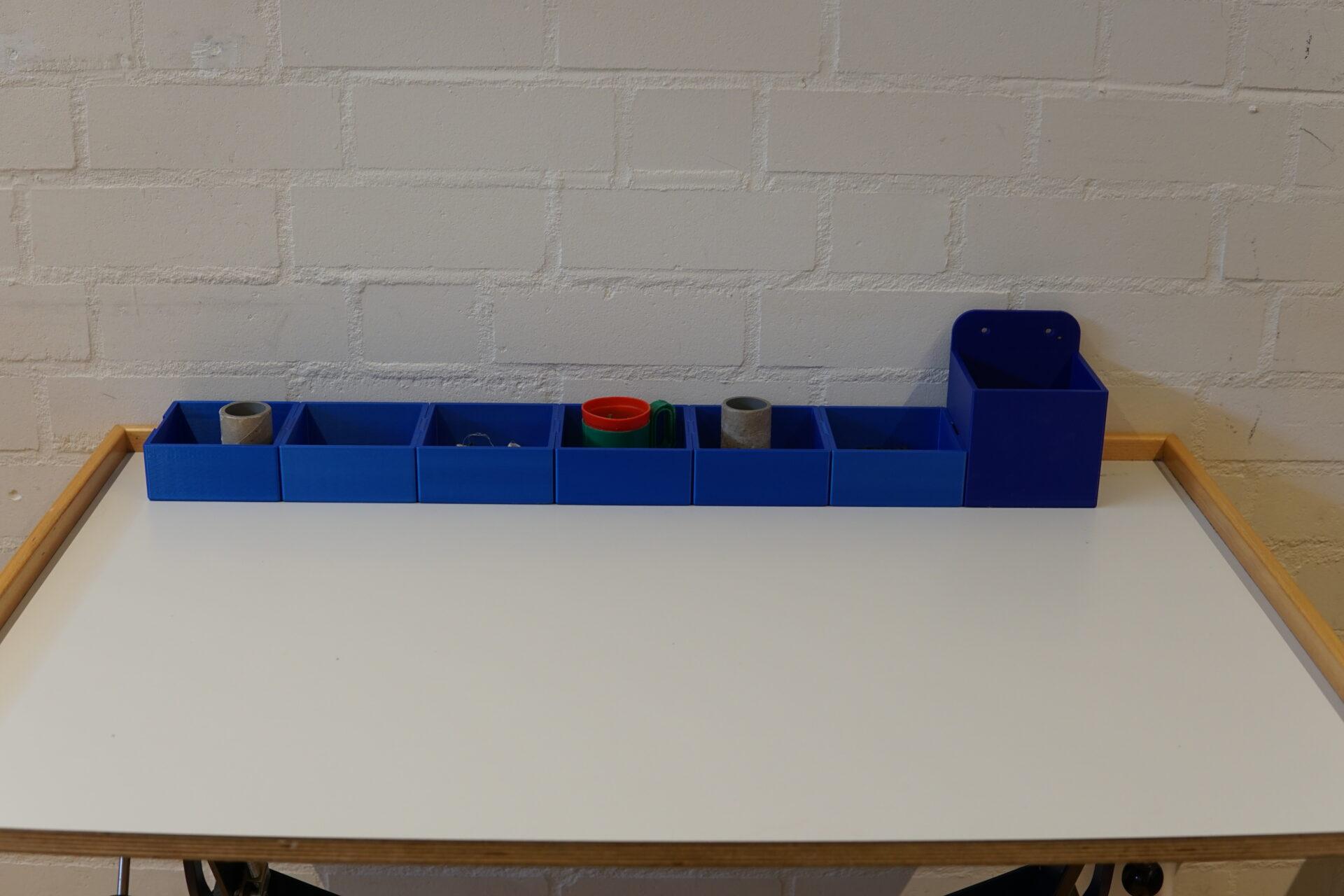
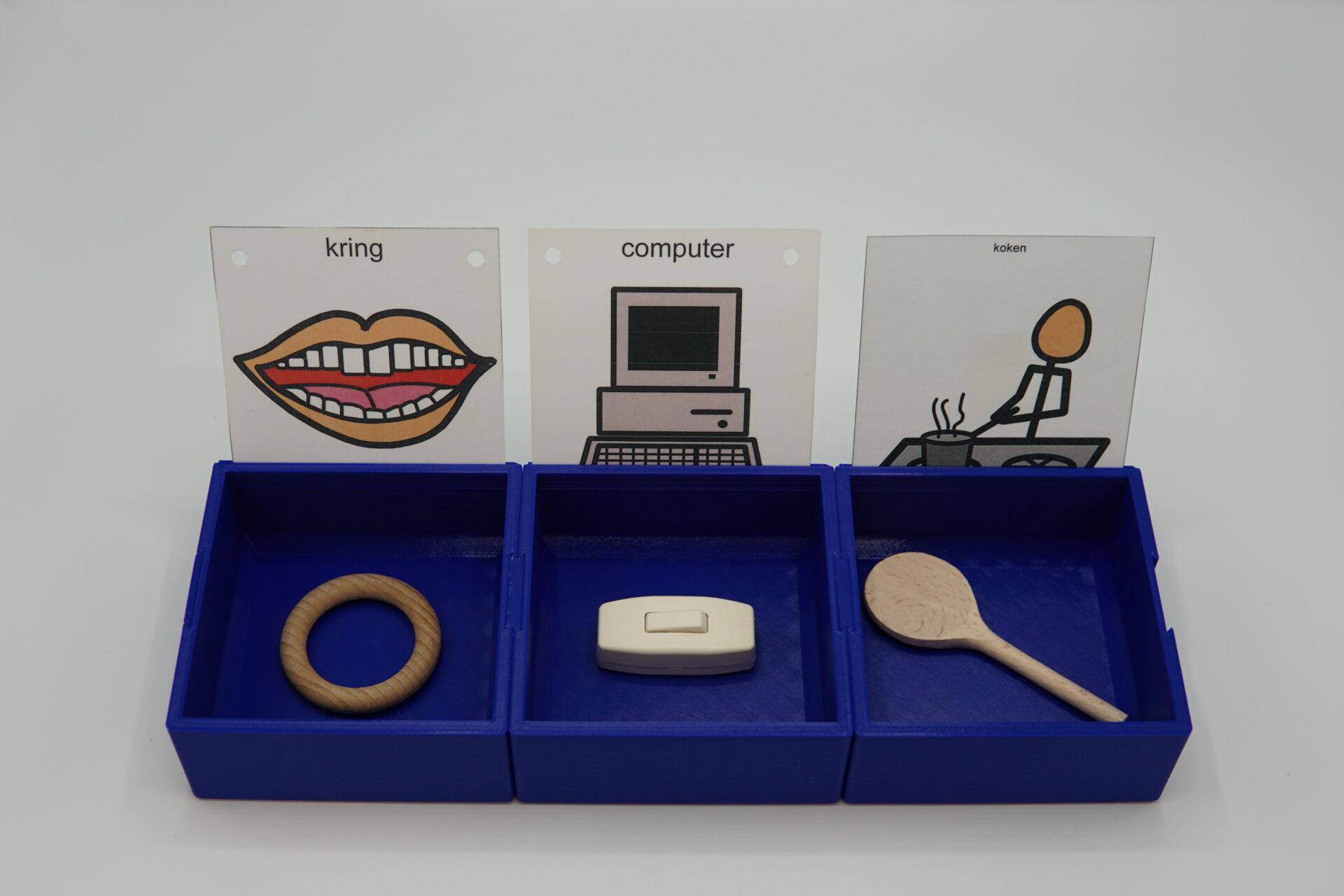
Printing instructions and tips
Printing instructions: -print the number of trays your student needs. every tray resembles a task. Use vertical for on a wall, horizontal for on a table. -print 2 plugs -print the number of connectors needed (=number of trays -1) assemble a day schedule by pressing the connectors between to trays and the 2 plugs at the beginning and end of the schedule. You can mount the vertical trays on a wall using the screw holes You can keep the horizontal trays in place using velcro tape or something similar. Decide if velcro tape is beneficial for each particular student.
Downloads
Bundle of all files listed above.