
1. Create the body on which you want to.

2. Select the surface on which you want to put braille and create a sketch on it.
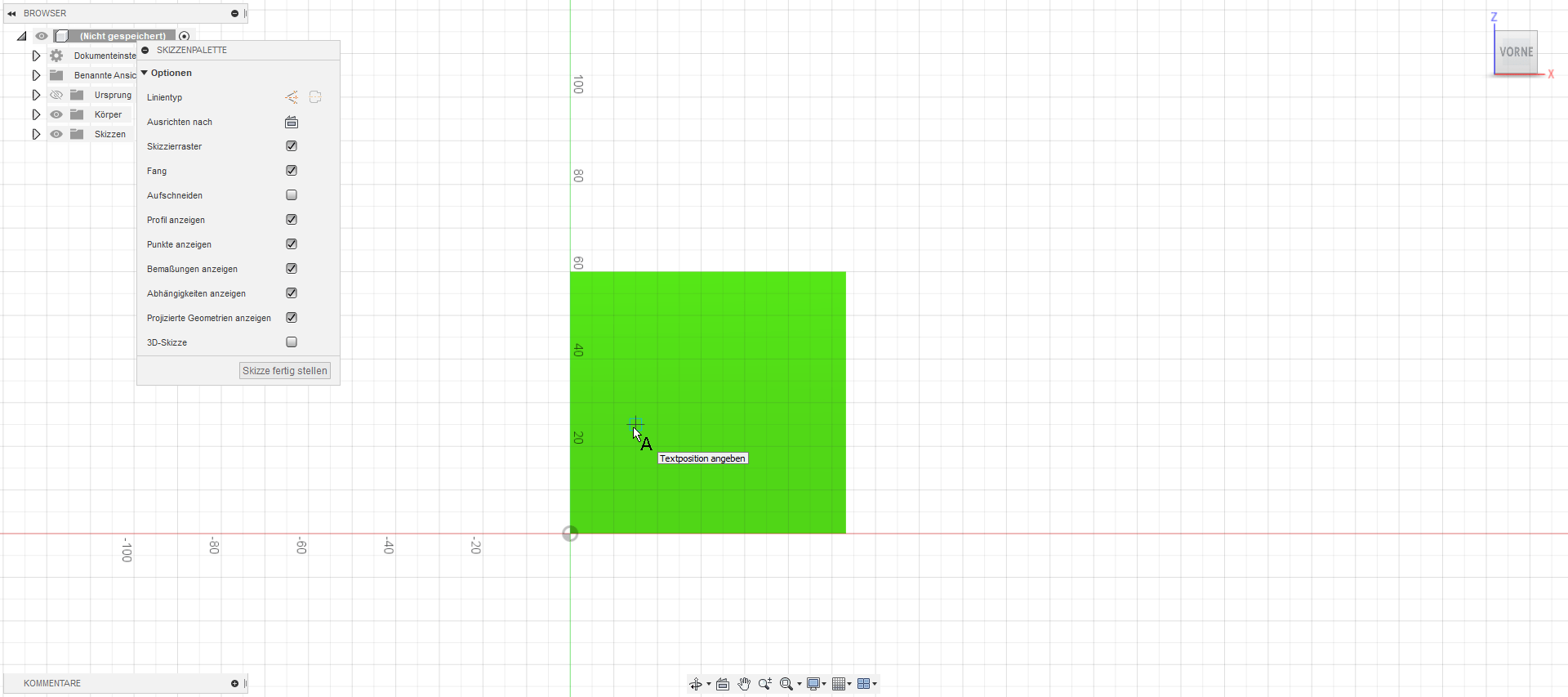
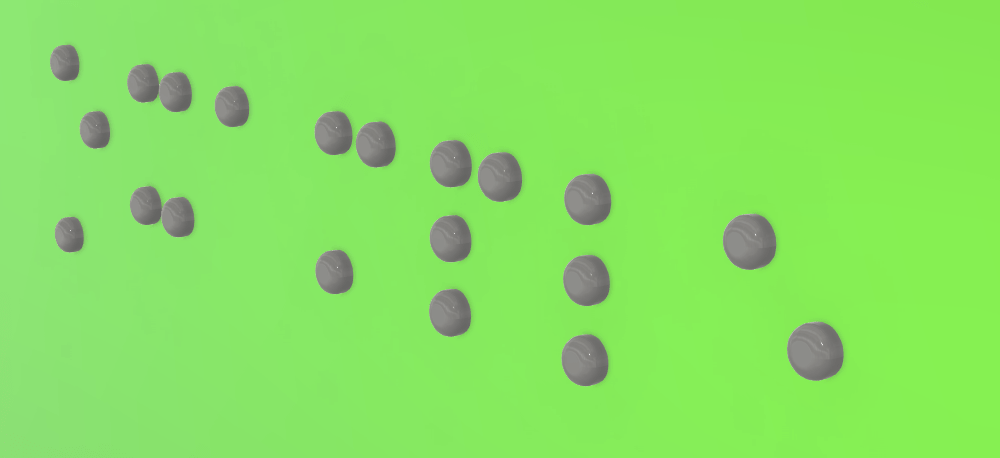
3. Press “t” for the text tool and then write your text in the text field.
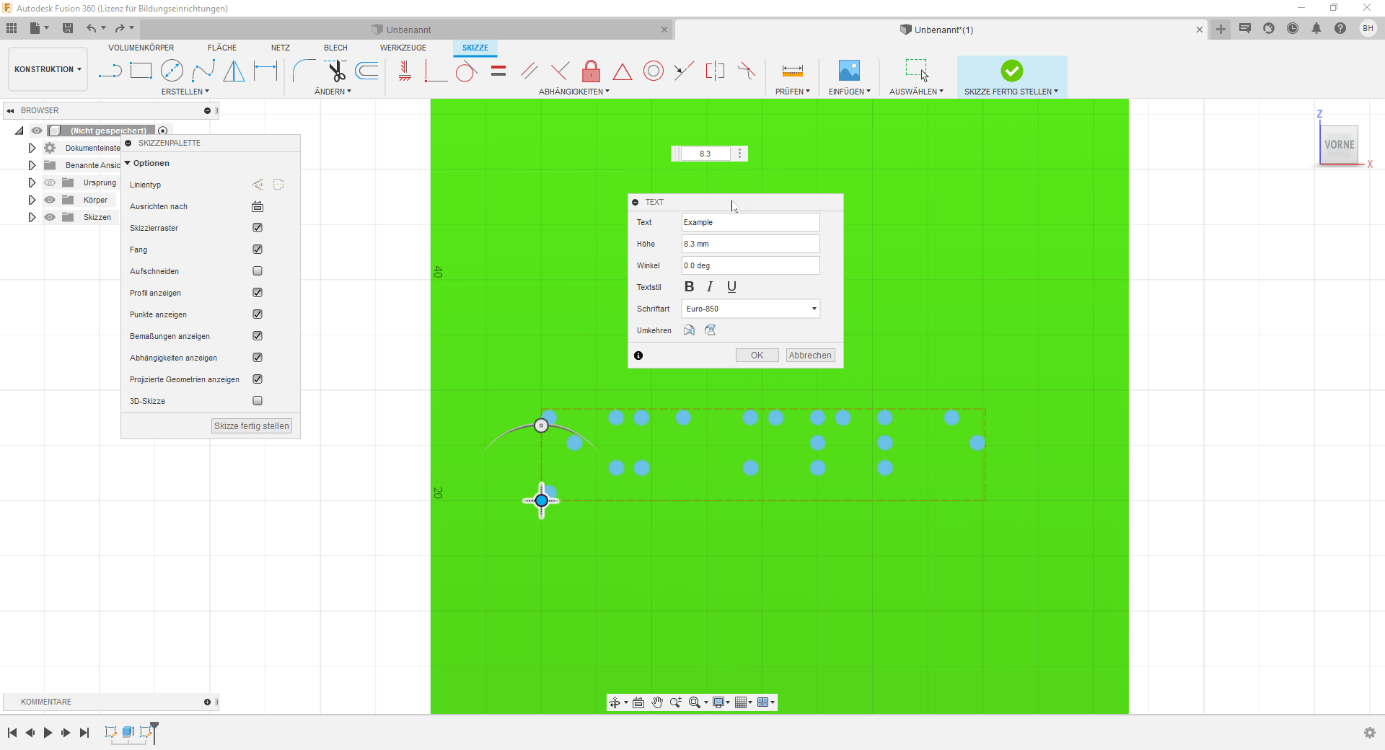
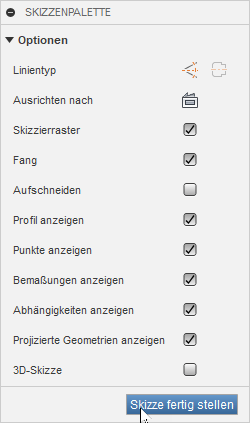
4. Adjust the height to 9mm (or 6,3 mm if you use the textbox) and the font to an 8-dot font (we use euro 850). Then select OK and mark the sketch as finished.
5. Extrude the selected text, entering a distance of 0.7 (or 0.6) mm.

6. Round the edges with the Fillet tool by selecting the top circle of each braille dot and set the size to 0.41.
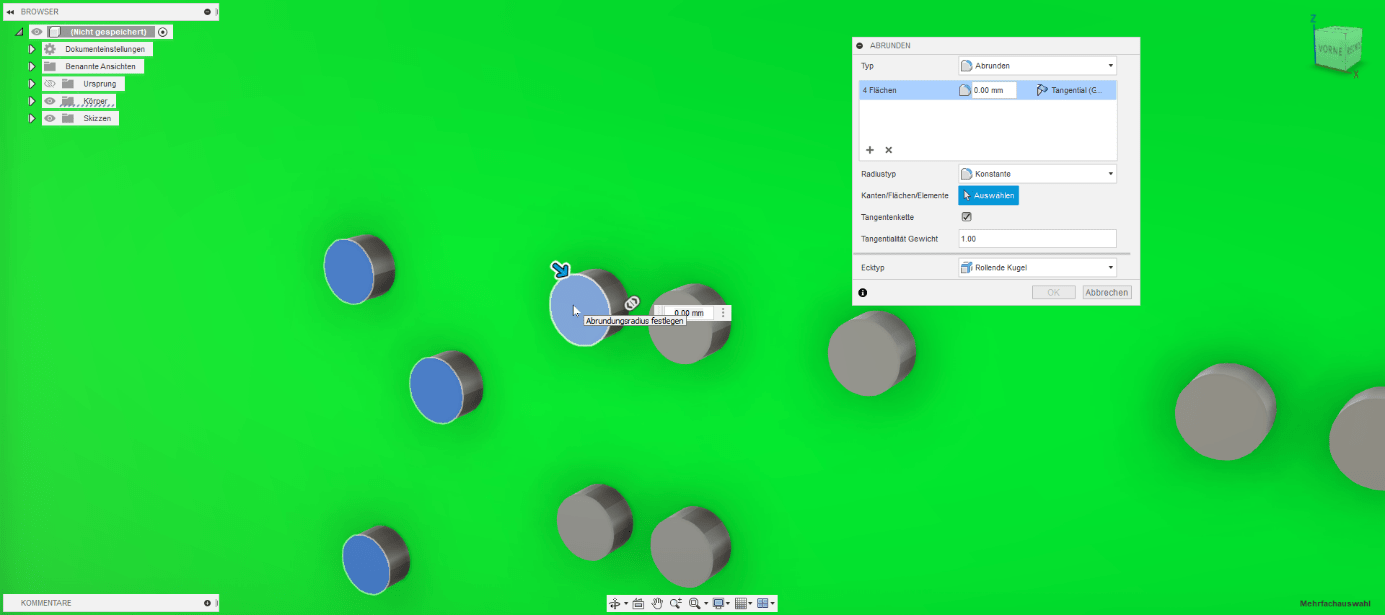

Finished!
Written by: Barbara Henn